
Sharing and access
Nothing is visible by default. An agent is seen by the people who own it and the people it has been shared with, and by nobody else — platform administrators included.
The four levels
| Level | Chat | Read soul, instructions, memory, versions | Edit and publish | Manage sharing, archive, delete |
|---|---|---|---|---|
| User | ✓ | |||
| Operator | ✓ | ✓ | ||
| Editor | ✓ | ✓ | ✓ | |
| Owner | ✓ | ✓ | ✓ | ✓ |
Each level includes the ones above it. "User" is the one to give by default: people can use the agent without reading how it was built.
Who has owner access
- For a personal agent: you.
- For an organization's agent: the organization's owners and admins, and whoever created it, for as long as they are still a member.
Removing someone from an organization removes their access to its agents, including agents they created. The agents stay.
Sharing with people and teams
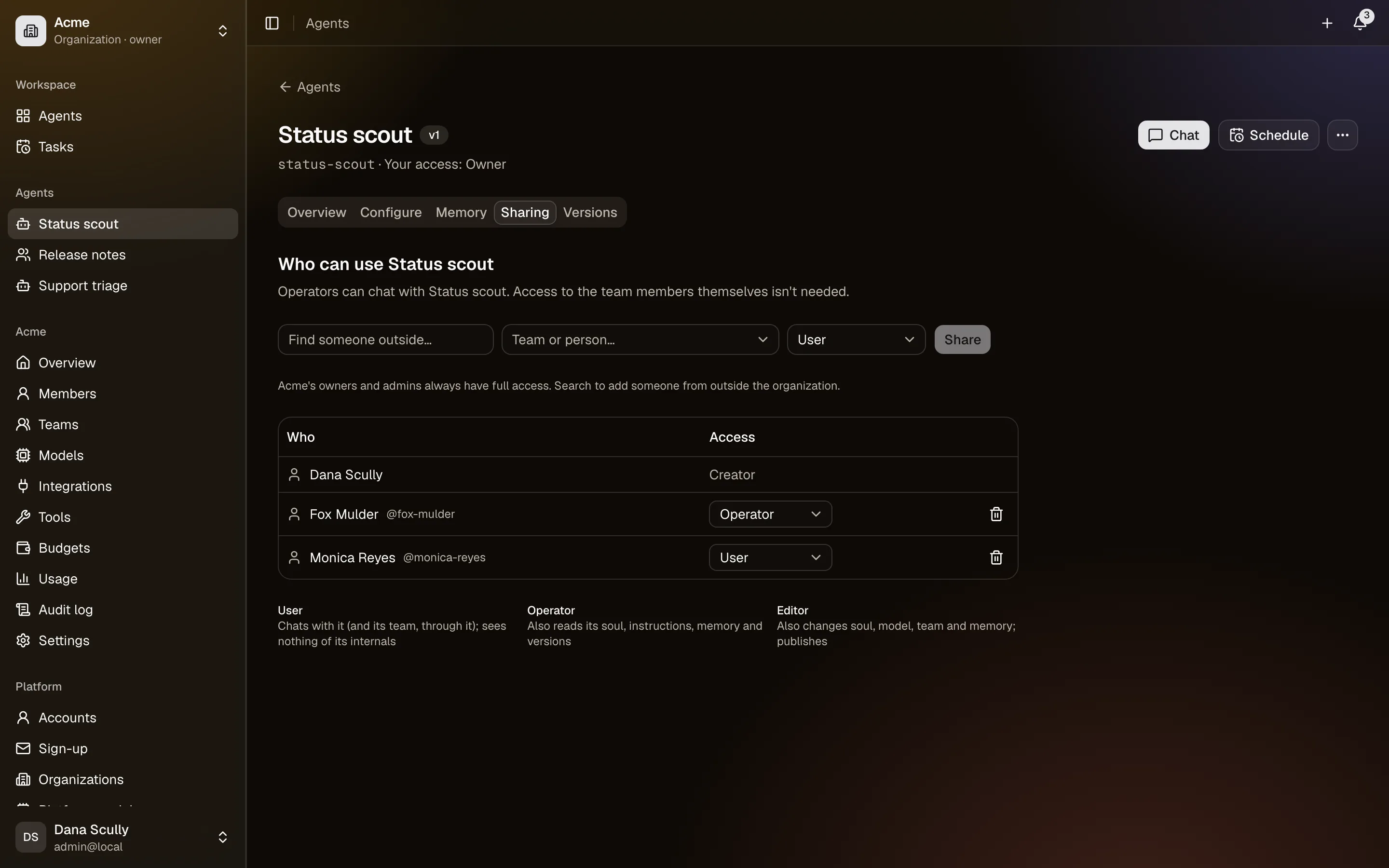
Sharing on the agent page adds:
- people, by username or exact email address;
- teams, for an organization's agents — a team is a named group of its members, managed in the organization's settings.
Two meanings of "team"
A team is a group of people in an organization. A team of agents is an agent that delegates to other agents (Teams of agents). They are unrelated.
You can share an organization's agent with someone outside it — an outside collaborator, say a contractor. They get only that agent. To protect people's privacy, you cannot browse the list of accounts: you find someone by typing their username, or their email address exactly.
Conversations
Conversations belong to the person who had them. Nobody reads your chats with an agent, with one exception: the managers of the agent's owner can open a transcript, and doing so is recorded in the audit log. That exists so a manager can investigate what an agent did, not so they can read over your shoulder.
What the agent learns is different: see Memory.