
Models and keys
Agents need a model. There are two ways to have one, and a platform may offer both.
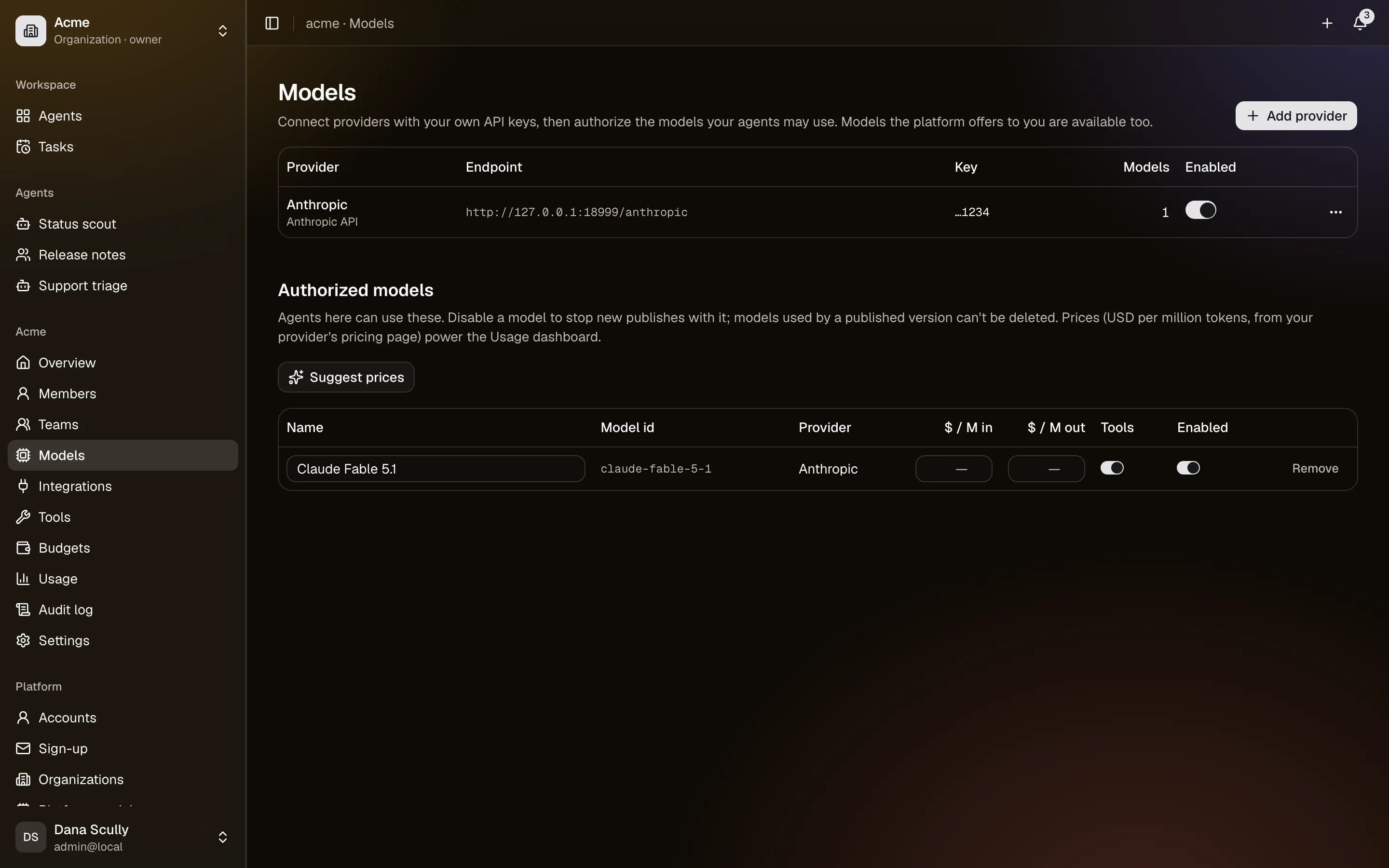
Your own keys. In Settings → Models, add a provider — Anthropic, or anything speaking the OpenAI API, including a model running on your own hardware — with your API key, then authorize the models you want to use. The key is encrypted at rest and never shown again, only as a hint like …abcd.
Models the platform offers. A platform administrator can publish models everyone can use, without anyone handling a key. They appear in the list marked as the platform's. The platform decides whether each one is offered to personal spaces, to organizations, or to everyone.
Adding a provider
- Settings → Models → Add provider. Give it a name, pick the kind, paste the key.
- Discover models asks the provider what it has, and doubles as a connection test.
- Authorize the models you want. Only authorized models can be chosen by agents.
Mark whether a model supports tools. Without that, agents on it cannot use tools, integrations, delegation or memory writing — they can only answer.
Mark whether it sees images. People can attach pictures in chat only when the agent's model does; for everyone else, an image upload is refused with a message naming the model. New Anthropic models start with it on; for other providers, check the model's documentation before turning it on.
Prices
Set an input and output price per model and CrewHall costs every call, which is what makes the usage page and budgets work. Suggest prices fills in current public prices for well-known models; check them, since they change and they are not a contract.
A model with no price still works; its tokens are counted but its cost is not, and the usage page says how many tokens went unpriced.
When a model disappears
Disable a provider, remove a key, or withdraw a model, and every agent using it shows the model as unavailable and stops being able to run until an editor picks another. Deleting a provider is refused outright while a published agent depends on it, rather than quietly breaking it.