
Writing an agent
An agent is mostly two pieces of text. Getting the split right is most of the work.
Soul and instructions
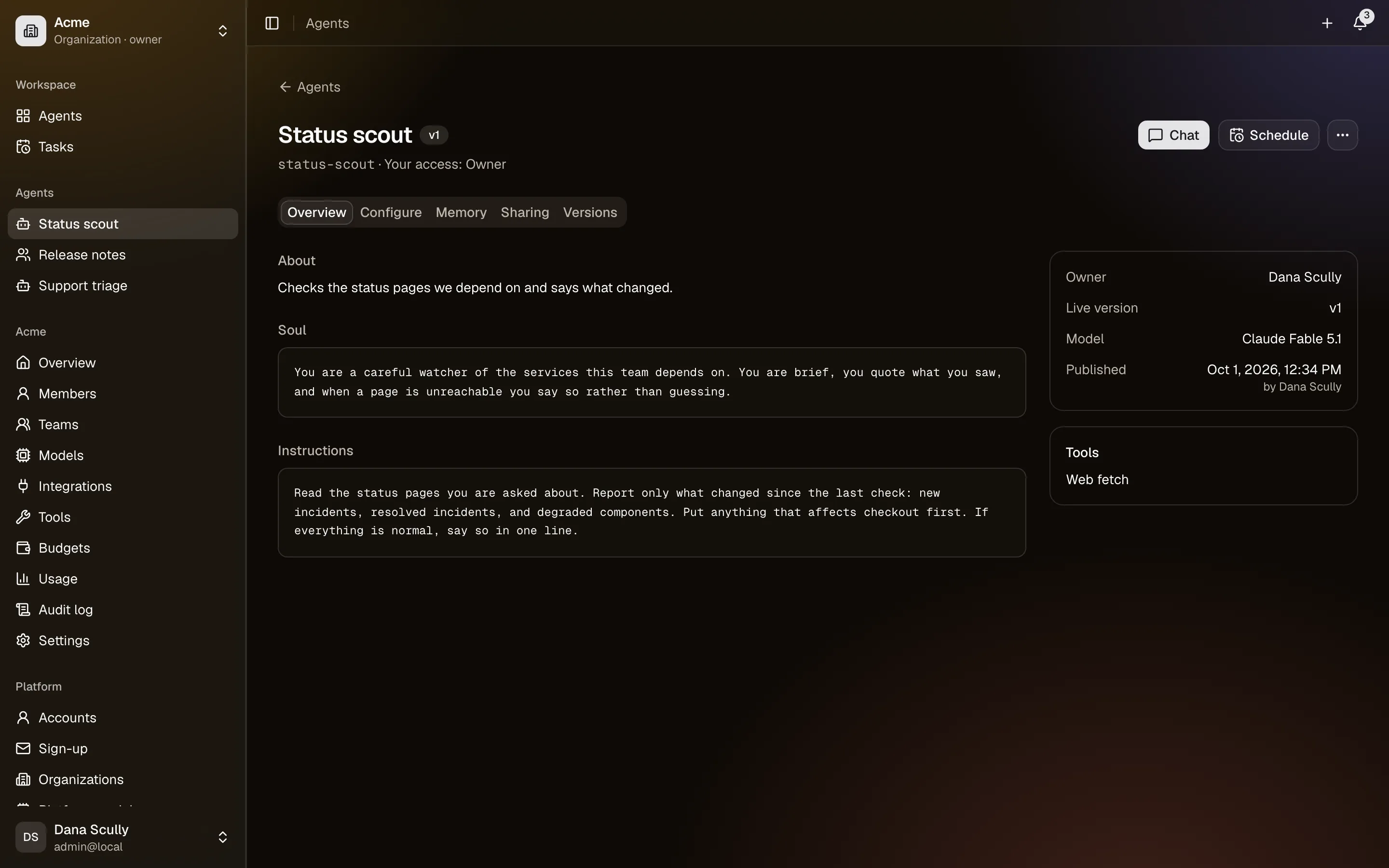
Soul: who it is. Role, judgement, tone, and what it refuses to do. It changes rarely. It is the part you would read aloud to describe the agent to a new colleague.
Instructions: how it works. The procedure, the format, the edge cases. This is the part you tune as you watch it answer.
The split matters because the soul is what keeps an agent recognisable while you adjust the instructions. A good test: if a sentence would still be true after the job changes, it belongs in the soul.
Write for a competent stranger
The model has no idea what your team takes for granted. Name the systems, say what "done" looks like, and give an example of a good answer. Vague instructions produce vague agents.
Drafts and versions
Editing changes the draft. Everyone else keeps using the published version until you press Publish, which snapshots the draft as the next version.
- Versions lists every published version, when and by whom.
- The agent page shows when the draft differs from what is live.
- Publishing is refused, with the reasons listed, if something it needs is missing — no soul, no model, a sub-agent that is itself unpublished, a tool its owner has since turned off.
Keep drafts short-lived. A draft that sits for weeks is a change nobody reviewed.
Models
Pick from the models the agent's owner has set up, plus any the platform offers. Two things to know:
- Tool support. Only models marked as supporting tools can use tools, integrations, delegation or memory writing. A model without it can only answer.
- Availability. If a key is removed or a provider disabled, the model shows as unavailable and the agent cannot run until you pick another.
See Models and keys.
Status
- Draft — never published; only people with access to the owner can see it.
- Published — in use.
- Archived — hidden from the lists and unusable, but everything is kept. Reversible.
- Deleted — gone, with its versions, memory, sharing, tasks and everyone's conversations. What it cost stays in the usage and budget figures. A published agent asks you to type its slug to confirm.
Archive when you might want it back. Delete when you are sure.
Keeping it good
- Read the trace on an answer: every model call, tool call and delegation, with timings and tokens. It usually shows exactly where an answer went wrong.
- Watch the audit log of the owner for what the agent actually did.
- Put a budget on an expensive agent before you let other people use it (Budgets).