
Appearance
Templates and the gallery
A template is an agent's role kept as a starting point: New agent offers CrewHall's built-in ones (developer, lawyer, accountant…), the ones your space saved, and the ones people shared in the gallery.
Saving an agent as a template
On an agent's page, ⋯ → Save as template… (owners and admins of its space). You give it a name, a category and a description, and choose:
- Model: light, standard or deep. A template never names a model: each space that uses it gets the cheapest of its own models at that level.
- Reads images, if the role needs a model that sees screenshots or receipts.
- In the public gallery, to share it beyond your space (below).
It copies the agent's live role and instructions (its draft if it was never published), its look, its memory guidelines, and which tools and integrations it uses, by kind: "GitHub", not your GitHub integration. What the agent wanted and your space didn't have (from its own template) is kept too. It never copies the agent's memory, its conversations, keys, or sharing.
Members of the space then find it first in New agent, under "From" and the space's name.
Settings → Templates lists your space's templates: edit them, take them in or out of the gallery, update one from its agent after you've improved the agent, or delete them. Agents made from a template keep everything when it changes or goes.
The gallery
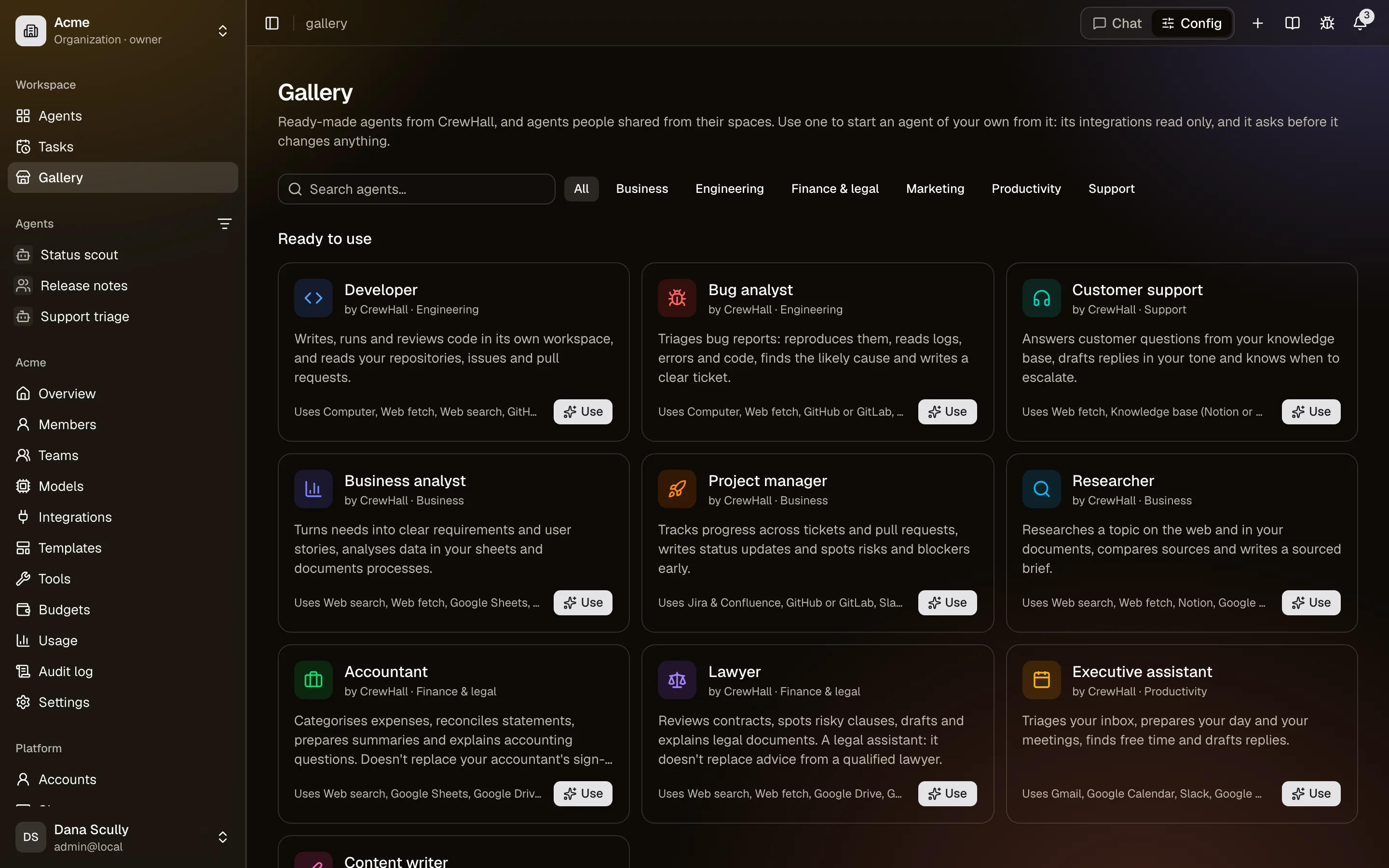
Gallery, in the sidebar or at /gallery, starts with CrewHall's own templates, Ready to use: Use opens New agent on that template (after signing in, if needed). Below them come the templates people shared, most used first. Anyone can browse it and read a template's role and instructions, signed in or not: share only what you're happy for anyone to read. The gallery credits your space and your name, and counts how often each template was used.
Use this agent copies it into one of your spaces. As with any template, the new agent gets the tools and integrations your space has, with their read-only tools only, and asks before changing data; the rest is listed on its Configure tab for an admin. Read its role first: someone outside your space wrote it, and it decides what the agent does.
Reporting
If a gallery template is misleading or harmful, Report it from its page. The server's administrators are told, and can hide it from the gallery; its author is told why. A hidden template stays in its space, and agents already made from it are unchanged.